

Vacuum Cleaner Robot Electric Wall Barrier,Compatible for ILIFE A9 A8 A7 A6 A4s Pro V8 Plus V3s Pro V5s Pro S8 Pro S5 Pro, Spare Parts
Product details
| Management number | 247305797 | Release Date | 2026/08/16 | List Price | US$13.00 | Model Number | 247305797 | ||
|---|---|---|---|---|---|---|---|---|---|
| Category | |||||||||
Electronic Wall Obstacle for A9, A8, A7, A6, A4s, Pro V8, Plus V3s, Pro V5s, Pro S8, Pro S5 Pro, Vacuum Cleaner Parts Sensor, Virtual Navigation, Bumper WallCompatible Models:Works with A9, A8, A7, A6, A4s, Pro, V8, Plus, V3s, Pro, V5s, Pro, S8, Pro, S5 ProPackage includes:1 virtual wall==========Vacuum Part Type : BRUSHESModel : For A9, A8, A7, A6, A4s, Pro V8, Plus V3s, V5s, Pro S8, Pro S5 ProOrigin : Chinese mainlandType : Vacuum cleaner partsI'm so glad you're here! Our online store offers a wide range of products and is always customer-centric, providing you with high-quality and attentive service. Feel free to browse our products, we look forward to your every purchase.
- 1. Determine the type of barrier: First, check the model and brand of the vacuum cleaner robot you're using and see if there's an electric wall barrier feature. Different models of robots may use different types of electrical wall barriers
- 2. Remove the old electric wall barrier: According to the robot's instruction manual or video tutorial to learn how to properly disassemble the old barrier, usually, you need to look for a sensor or base station fixed on the floor or wall and follow the instructions to disassemble it
- 3. Install a new electrical wall barrier: According to the instruction manual or video tutorial, install a new electric wall barrier. This may involve fixing the new barrier to the floor or wall and ensuring that it is well connected to the robot's sensors or base station
- 4. Test and adjust: After the replacement is completed, test the robot to ensure that the new electric wall barrier can work properly. Place the robot in the area where it needs to be restrained and see if it can successfully avoid crossing the barrier
| ASIN | B0DL4LGZJZ |
|---|---|
| Color | One Color |
| Brand Name | RFJZFRJ |
| Model Name | thbg4 |
| Unit Count | 1.0 Count |
| Item Weight | 50 Grams |
| Battery Life | 1 weeks |
| Manufacturer | thbg4 |
| Model Number | thbg4 |
| Controller Type | Button Control |
| Number of Items | 1 |
| Surface Recommendation | Hard Floor |
| Item Dimensions L x W x H | 3"L x 2"W x 1"H |

Bestseller ranking
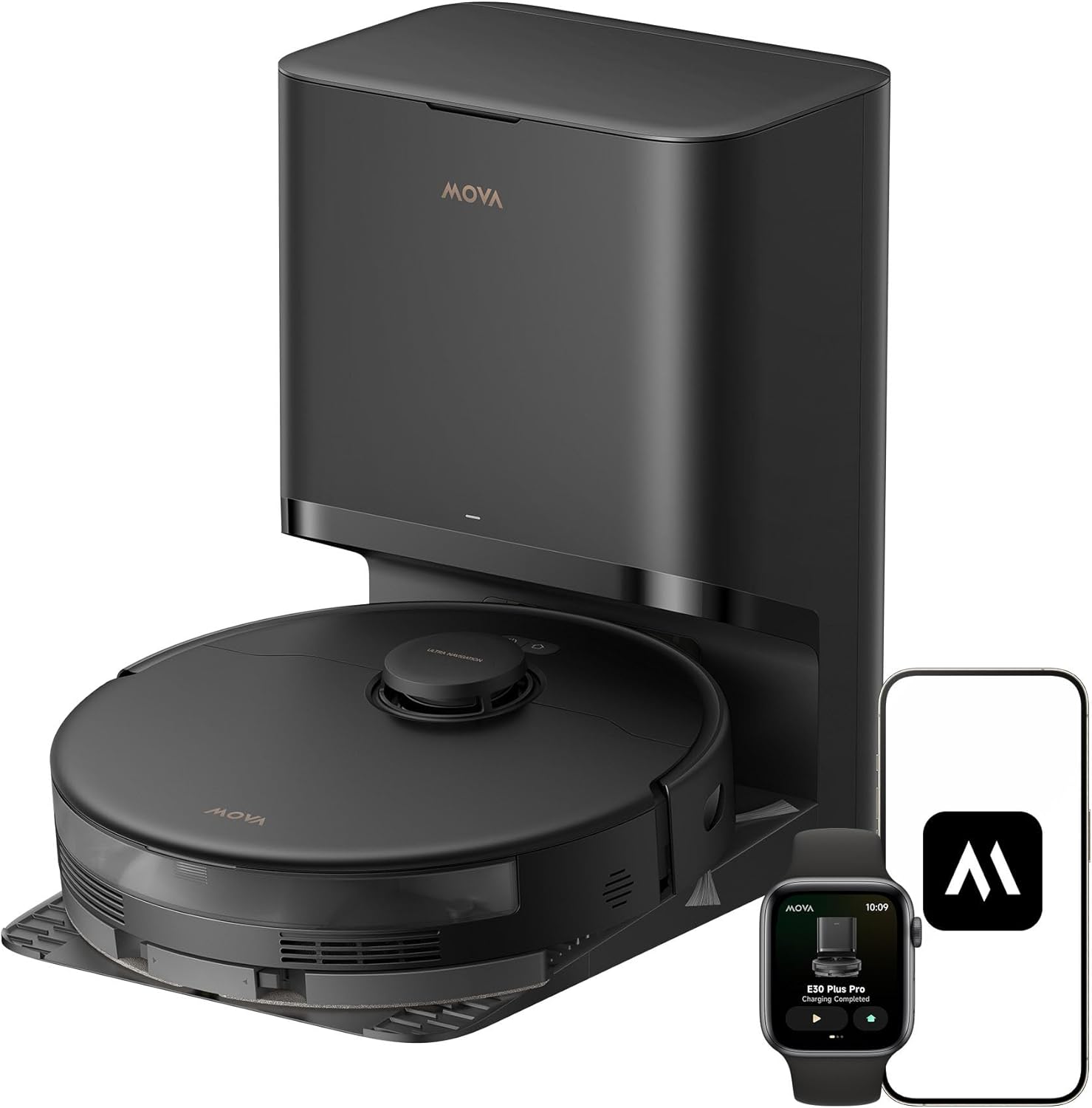
Robotic Vacuums



Customers who viewed this product also viewed
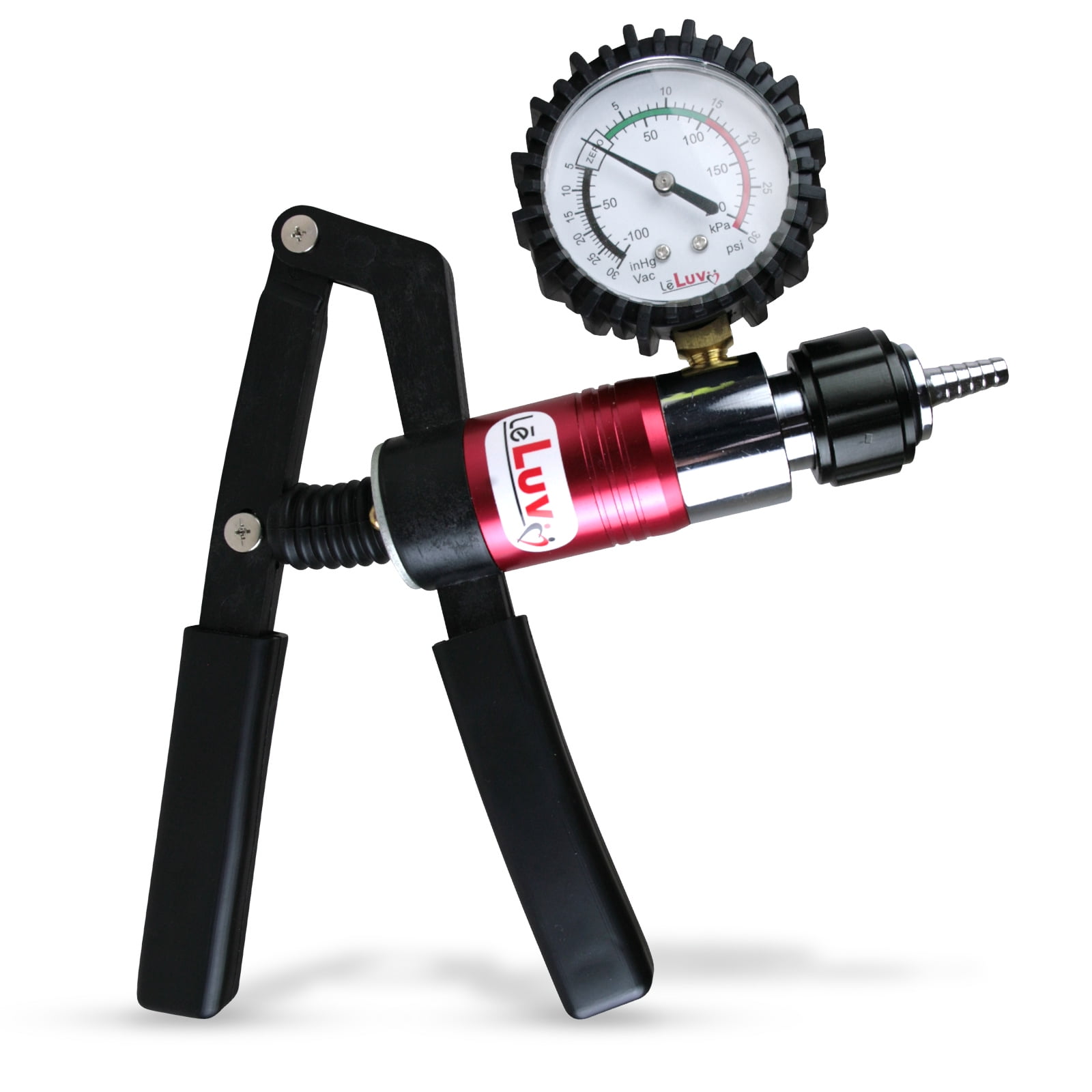
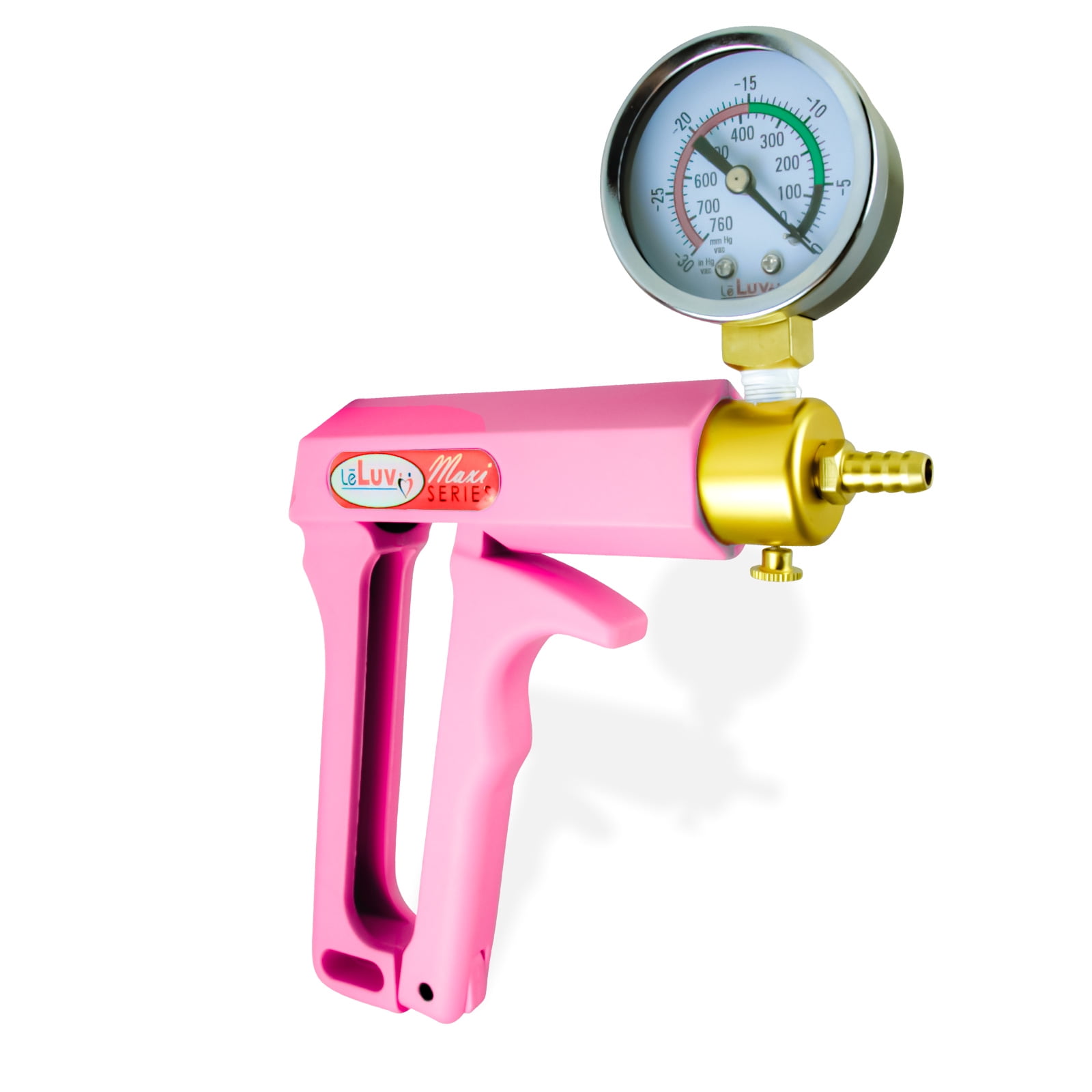
Penis Pumps
Correction of product information
If you notice any omissions or errors in the product information on this page, please use the correction request form below.
Correction Request Form